Tools & comparisons
Best change tracking tools for marketing and product teams (2026)
The tools that log what changed across your stack, deploys, campaigns, config, so you can explain why a metric moved. How the main options compare, and which one fits.
Stefan Köhn
Jun 15, 2026 · 8 min read

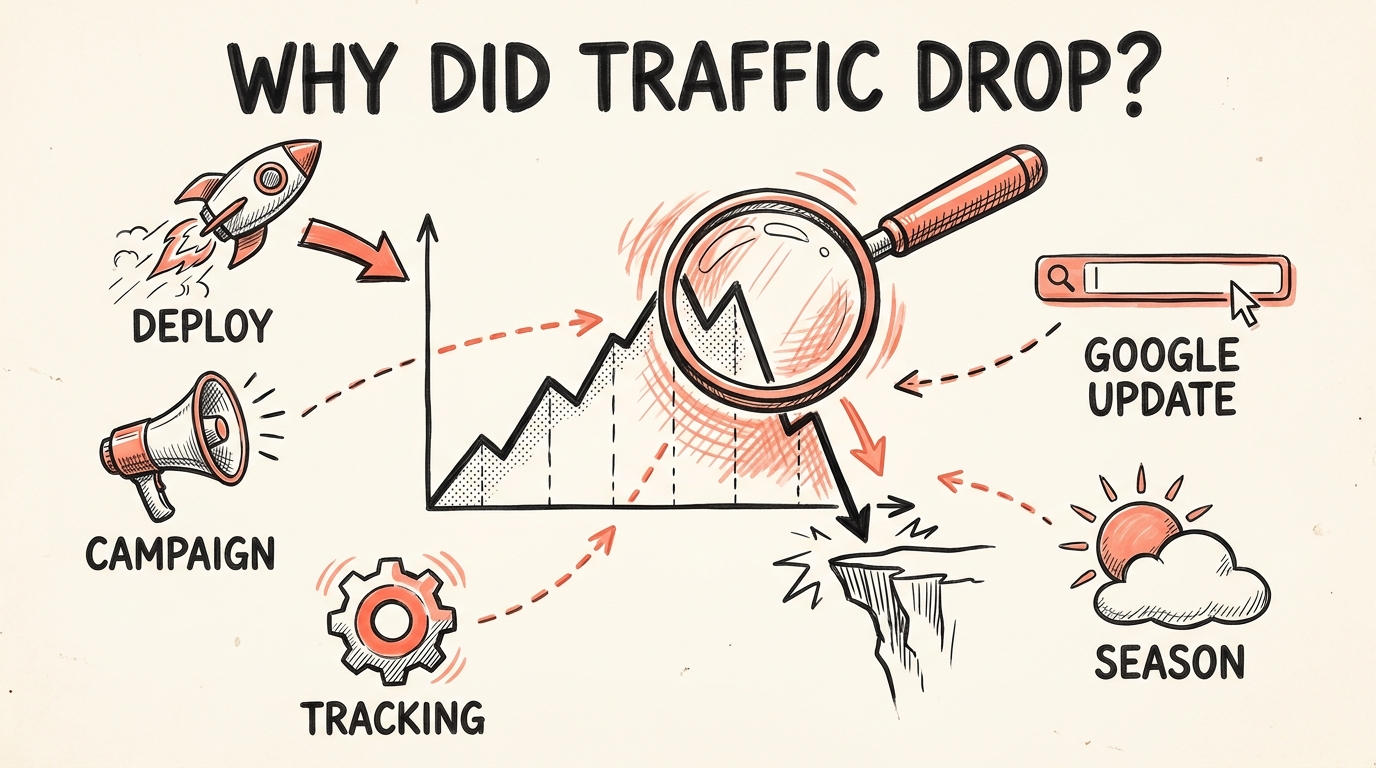
When a number moves, the cause is almost always a change someone made. A deploy went out. A campaign launched. Someone edited a tag, flipped a flag, or republished a page. The problem is never that the answer doesn't exist. It's that the answer is scattered across six tools and four people's memories, and by the time you go looking, nobody can say what happened on the day the line bent.
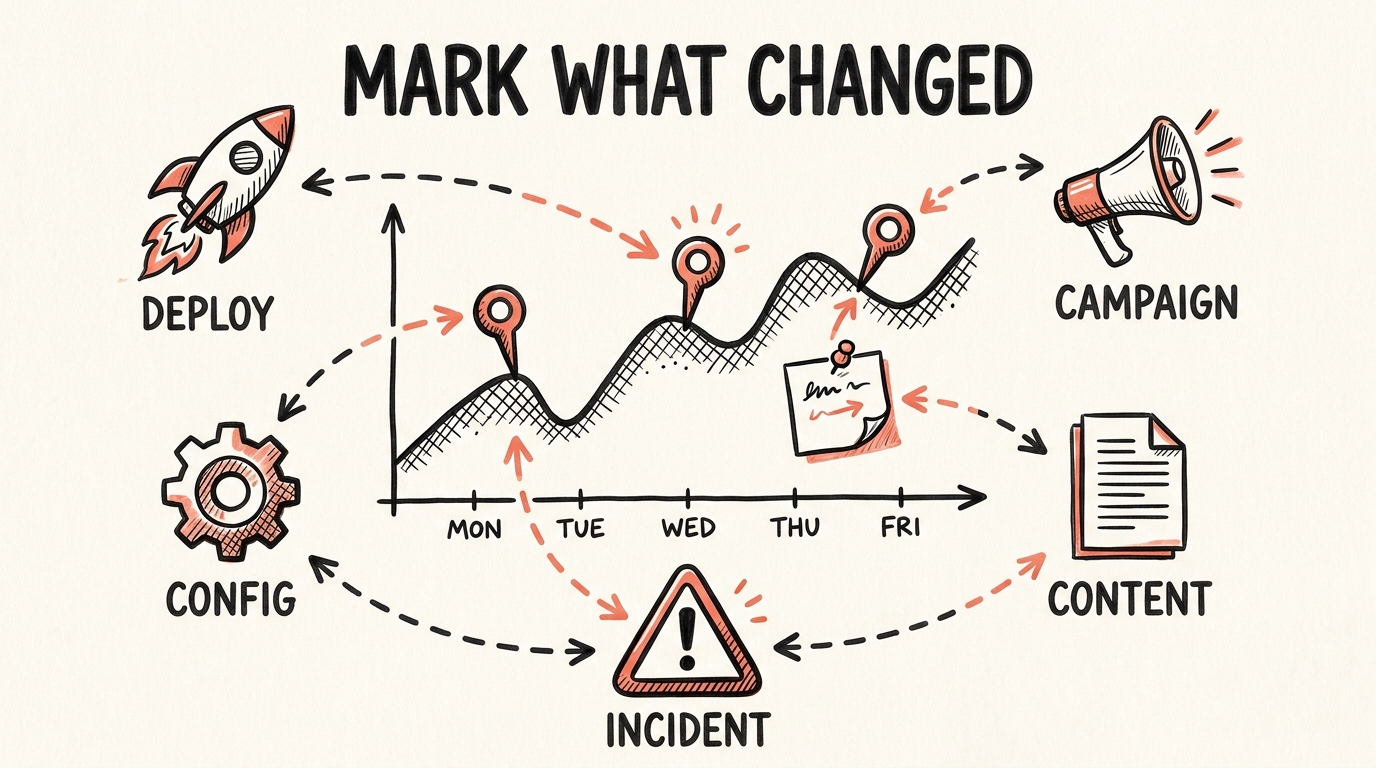
A change tracking tool fixes that by keeping a record of what changed, on a timeline, so you can put it next to the metric and see the cause. I have spent twenty years on the asking end of that question, so I went through the tools that promise to answer it and lined them up.
One thing up front: this is CoNote's blog, so we have a horse in this race. I have tried to describe the others as I actually found them, including where they beat us.
What I looked for
Not every tool that says "change tracking" means the same thing. I judged each one on four things:
- Coverage across teams. A real answer pulls deploys, campaigns, config, and content into one place. SEO-only or engineering-only tools miss most of the story.
- Automatic capture. If logging a change depends on someone remembering to type it in, the log goes stale within weeks. I have watched it happen on every team I have run.
- Shared and searchable. The record has to be something the whole company can open and search, not a note behind one person's dashboard.
- Actually available. A few promising products are still in beta or have quietly moved on to other things. That matters if you need something this quarter.
The honest summary: this category is still young. Most "change tracking" today is either locked inside one platform, aimed only at engineers, or a spreadsheet someone abandoned. That gap is the whole reason CoNote exists.
Quick comparison
| Tool | Best for | What it tracks | Availability |
|---|---|---|---|
| CoNote | Cross-team change tracking | Deploys, campaigns, config, content, incidents, on one timeline | Free plan, paid tiers from there |
| Crystal Ball | Enterprise BI teams that want AI on top | Platform changes and business events, annotated on charts | Paid, demo-led |
| Logtack | A pure marketing changelog | Marketing-stack changes: CMS, email, ads, deploys | Beta, waitlist only |
| SEOcrawl | SEO-only change impact | SEO changes annotated against search metrics | Paid, part of the SEO suite |
| Sleuth | AI agent governance, not metrics | Agent skills and config, after a pivot | Paid |
| GA4 / Google Ads | One channel, no budget | Annotations and change history inside that one tool | Free |
The tools, ranked
1. CoNote, best overall for cross-team change tracking
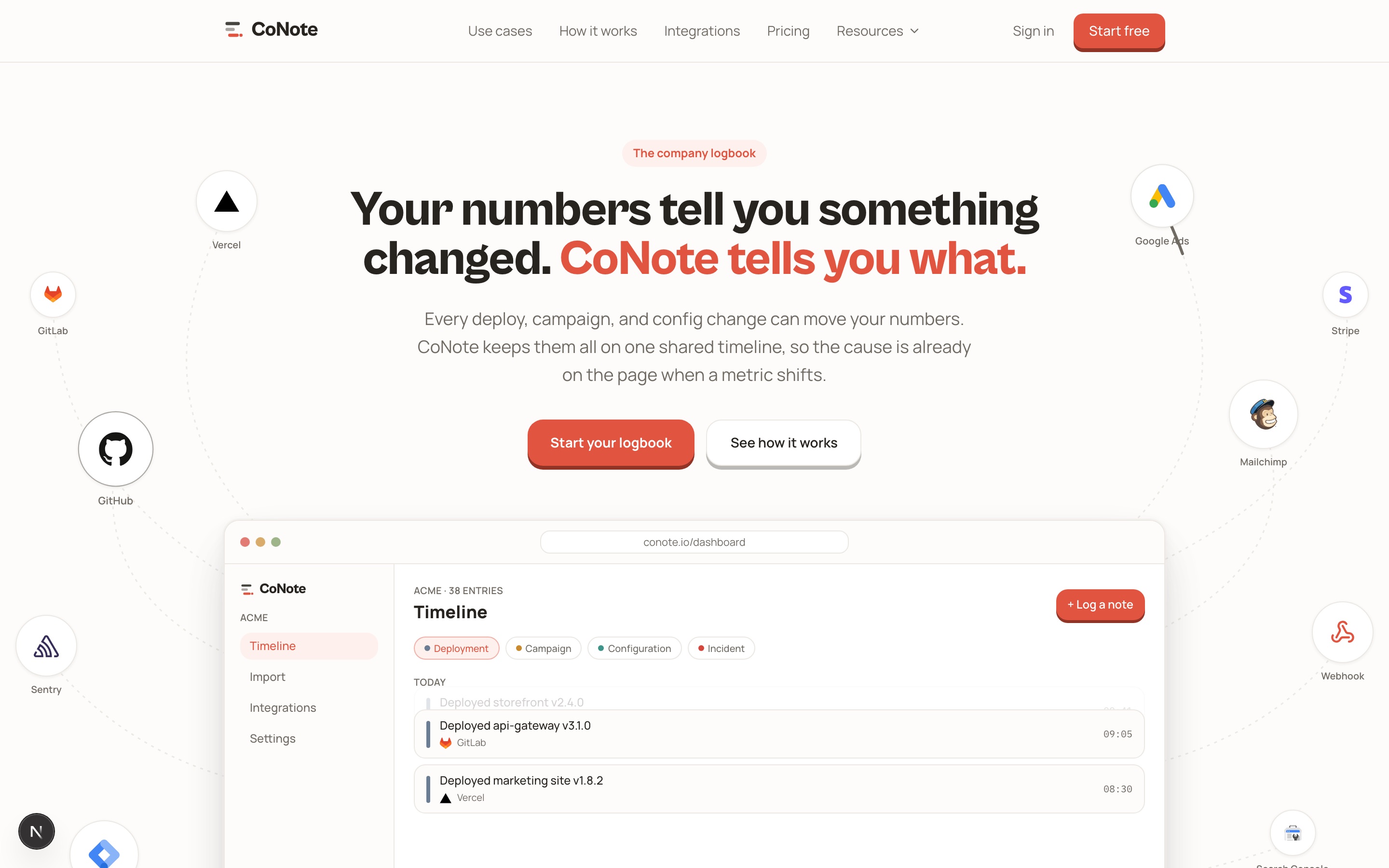
CoNote is a shared, automatic logbook of everything that happens across your digital operations. You connect your tools once, GitHub, Tag Manager, Google Ads, your CMS, and from then on each one writes its own events onto a single timeline with readable titles, dates, and categories. When a metric moves, you open the timeline at that date and read what changed, instead of grepping Slack.
What makes it the top pick here is the combination the others split apart: it covers every team, it fills itself, and the whole company can read it. The seven categories (deployment, campaign, configuration, incident, SEO, content, external) keep marketing and engineering looking at the same record.
Where it's weaker: CoNote is the newcomer, so it does not have the decade of native connectors a giant analytics suite has, and anything exotic in your stack may need the generic webhook rather than a one-click integration.
Best for: teams that want one honest answer to "what changed?" without anyone maintaining it by hand.
2. Crystal Ball, best if you want AI on an enterprise data stack
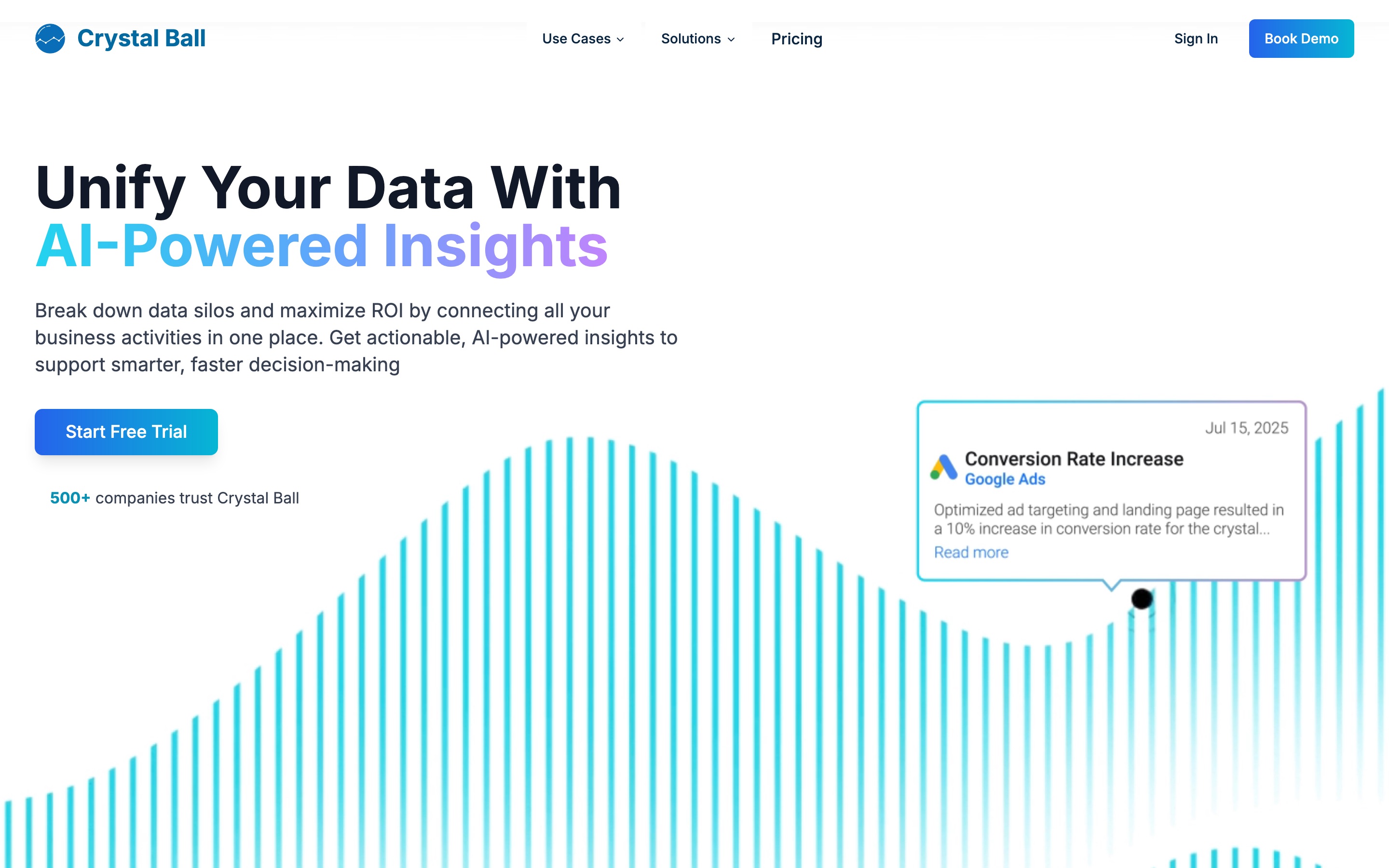
Crystal Ball is the most direct competitor on this list. It unifies data from across your business tools, annotates events onto your charts, correlates those changes with performance, and lets you ask questions in plain language. It is pitched at mid-market and enterprise teams, and it lists names like Bauer Media Group among its customers.
If you already run a serious BI setup and want change context plus an AI layer sitting on top of it, this is a strong option. The trade-off is weight. It is a broader analytics platform, the pricing is demo-led rather than self-serve, and getting value out of it is a bigger commitment than connecting a few sources and reading a timeline.
Best for: larger data teams that want change annotations as part of a full BI and AI platform.
3. Logtack, the closest pure marketing changelog (still in beta)
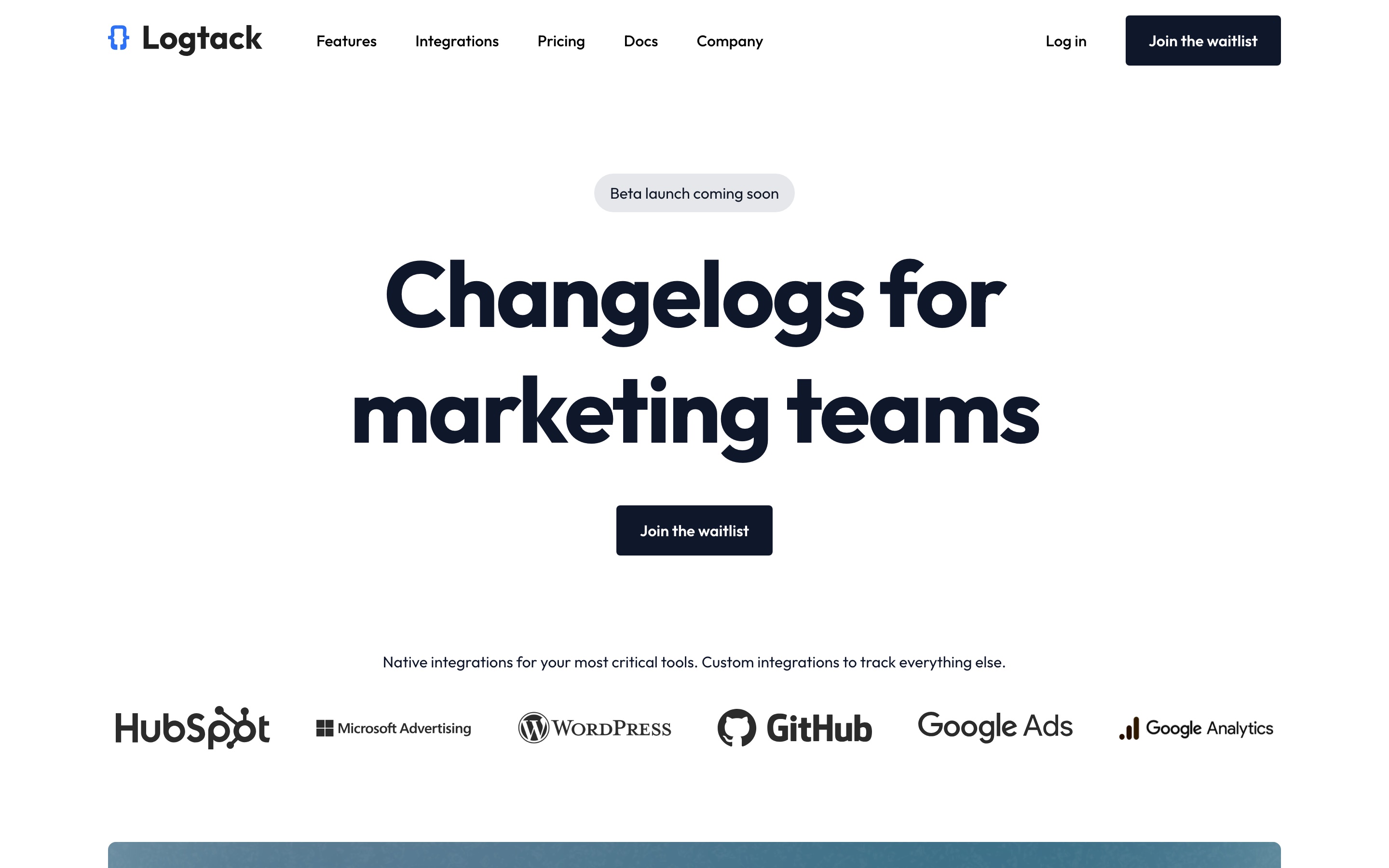
Conceptually, Logtack is the nearest thing to CoNote: "Changelogs for marketing teams", consolidating deployments, CMS updates, email sends, and ad changes into one timeline. The positioning is spot on.
The catch is availability. As I write this, the site shows a "Beta launch coming soon" badge and a waitlist rather than a sign-up, so you cannot actually put it to work today. Worth keeping an eye on.
Best for: marketing teams happy to wait for the beta. Bookmark it.
4. SEOcrawl, best if you only care about SEO
SEOcrawl includes a solid annotations feature inside its broader SEO platform. You record a change, define the affected URLs and keywords, and it automatically reports the impact on clicks, impressions, and positions at 7, 30, and 60 days. For an SEO team measuring whether a content update or technical fix moved rankings, that loop is genuinely useful.
The limit is in the name. It tracks SEO changes against search metrics and nothing else. The paid ad campaign, the checkout deploy, the pricing change that moved conversion, none of those land here. If your question only ever concerns organic search, it fits. If it crosses teams, it doesn't.
(No screenshot: SEOcrawl's site blocks automated capture, so I have left it out rather than show a broken grab.)
Best for: SEO specialists who want change-to-impact reporting on search metrics.
5. Sleuth, once deployment tracking, now an AI agent platform
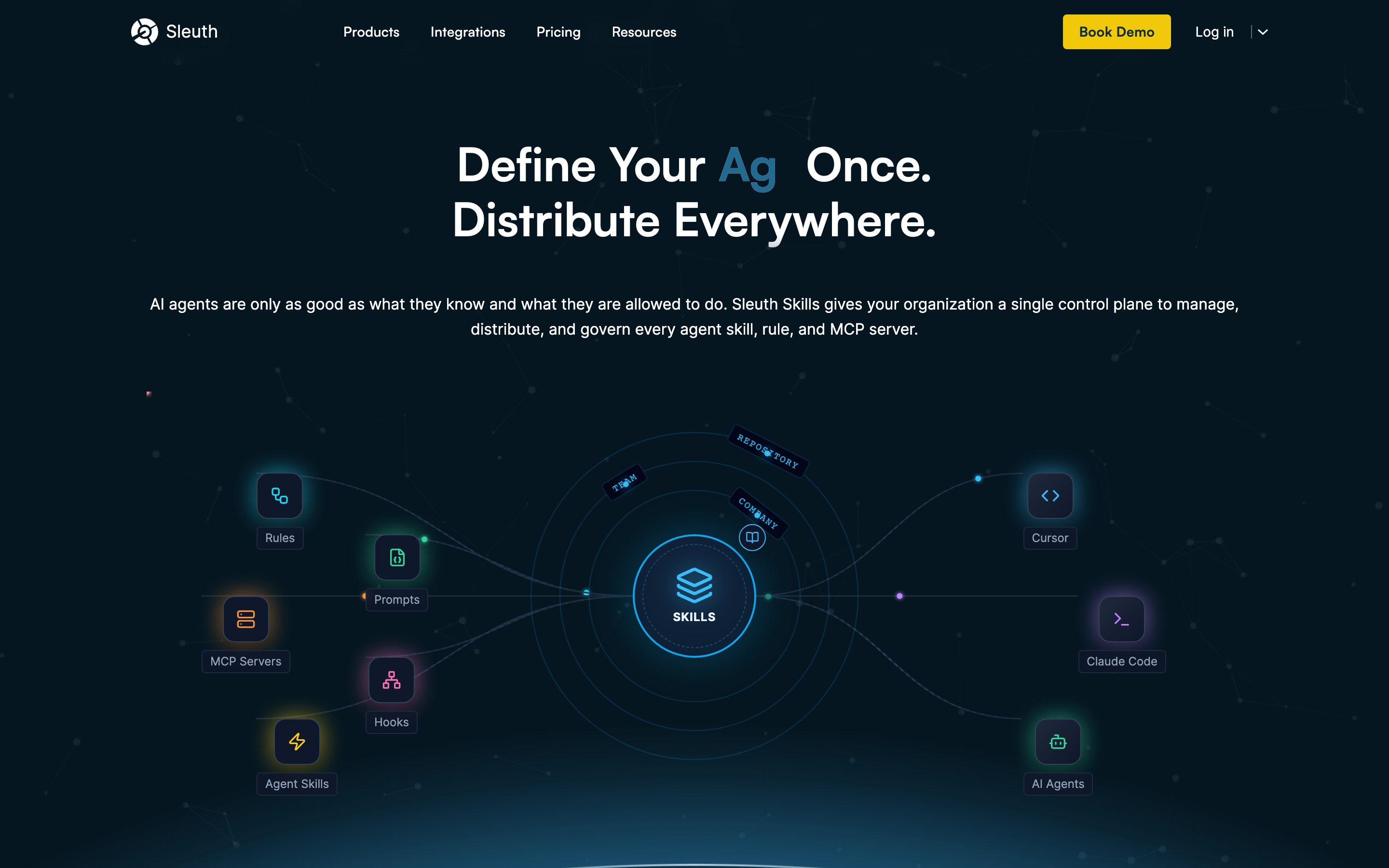
Sleuth used to come up in this conversation as a deployment and change tracking tool for engineering teams, tied to DORA metrics. If that is what you remember it for, look again. The site now leads with "Sleuth Skills", a control plane for managing AI agents, skills, and MCP servers across tools. It is a different product for a different job.
I am including it so you don't waste an afternoon evaluating it for the wrong reason. For governing AI agents, take a look. For explaining why your conversion rate dropped, it is no longer the tool.
Best for: teams standardizing how AI agents are deployed, not metric change tracking.
The built-in and DIY options
You don't always need a dedicated tool. Three free options cover the simplest cases:
- GA4 annotations and Google Ads change history. Both let you pin or read changes inside that one platform, for free. Fine if your question never leaves that channel. The moment the cause sits in another tool, you are back to stitching it together by hand. (More on this in Google Analytics 4 annotations.)
- Amplitude or Mixpanel annotations. The same idea inside product analytics. Useful for product teams, still siloed to that tool.
- A spreadsheet or Notion changelog. Zero cost and fully flexible. It works exactly as long as the team keeps updating it, which in my experience is about three weeks. Manual logs die quietly.
How to choose
Strip it back to your situation:
- One channel, no budget: use the native annotations in GA4, Google Ads, or your analytics tool.
- SEO only: SEOcrawl gives you change-to-impact reporting on search.
- Enterprise BI with budget and setup time: Crystal Ball adds annotations and AI on top of your data stack.
- Cross-team, automatic, and you want it running this week: that is what CoNote is built for.
The tools differ less in features than in scope. Native annotations see one channel. SEO tools see search. Engineering tools see deploys. The reason a metric moved usually lives in the gaps between them, which is exactly where a shared, automatic logbook earns its place.
Written by
Stefan Köhn
Founder of CoNote
Stefan has spent twenty years running performance marketing and SEO at companies like Mister Spex and Patient21. He has answered the question “why did the numbers move?” more times than he can count, usually the hard way. CoNote is the tool he wished he had every one of those times.