GitHub integration
Turn pushes and releases into Deployment notes on your timeline, verified and de-duplicated automatically.
The GitHub integration records your code activity as Deployment notes, so every release is on the timeline next to the metrics it might have moved.
What lands on your timeline
- Pushes to your repository become Deployment notes, identified by commit SHA.
- Releases become Deployment notes with the tag and release name.
Each note links back to the commit or release on GitHub, and events are de-duplicated by commit SHA — so a redelivered webhook never doubles up.
Setting it up
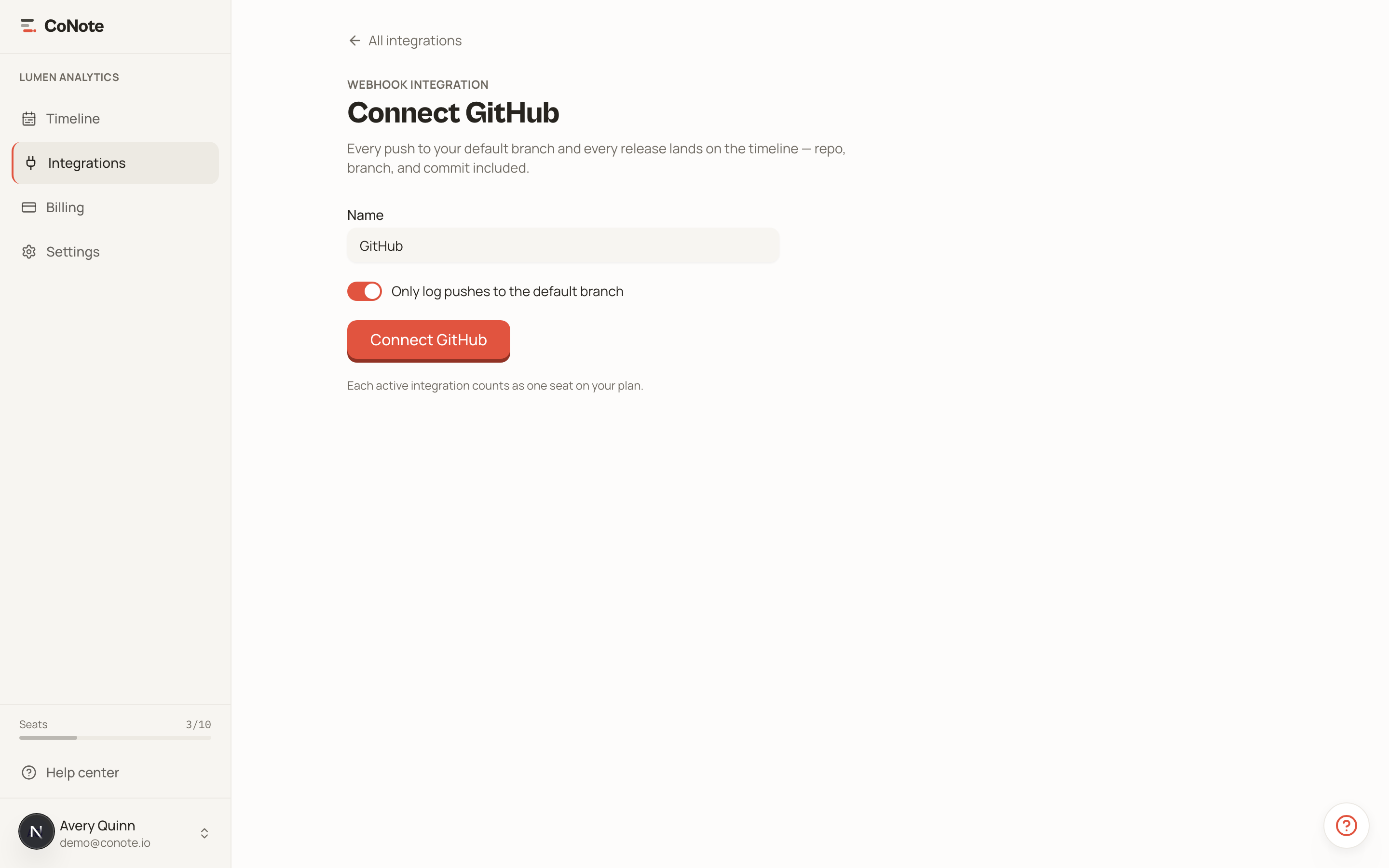
Add the integration
In Integrations, choose GitHub. CoNote gives you a unique webhook URL and a secret.
Add a webhook in GitHub
In your repository's Settings → Webhooks → Add webhook, paste the URL, set the content type to JSON, paste the secret, and choose the push and release events.
Confirm it works
Push a commit. Within moments a Deployment note appears on your timeline.
Every request is verified with HMAC-SHA256 against your secret, so only GitHub can write to your timeline through this integration.