Google Tag Manager integration
Record every container version publish as a Configuration note, so tracking changes line up with the metrics they affect.
Tag Manager changes are invisible until a number moves — a new tag, a tweaked trigger, and suddenly conversions look different. This integration puts every container version on your timeline as a Configuration note.
What lands on your timeline
Every time a new container version is published, CoNote records a Configuration note with the version number and name. Now when GA4 numbers shift, you can see exactly which container version went live around that date.
How it works
This is a polling integration. CoNote checks your container's version history every 15 minutes and records anything new — so you connect it once and never touch it again.
Setting it up
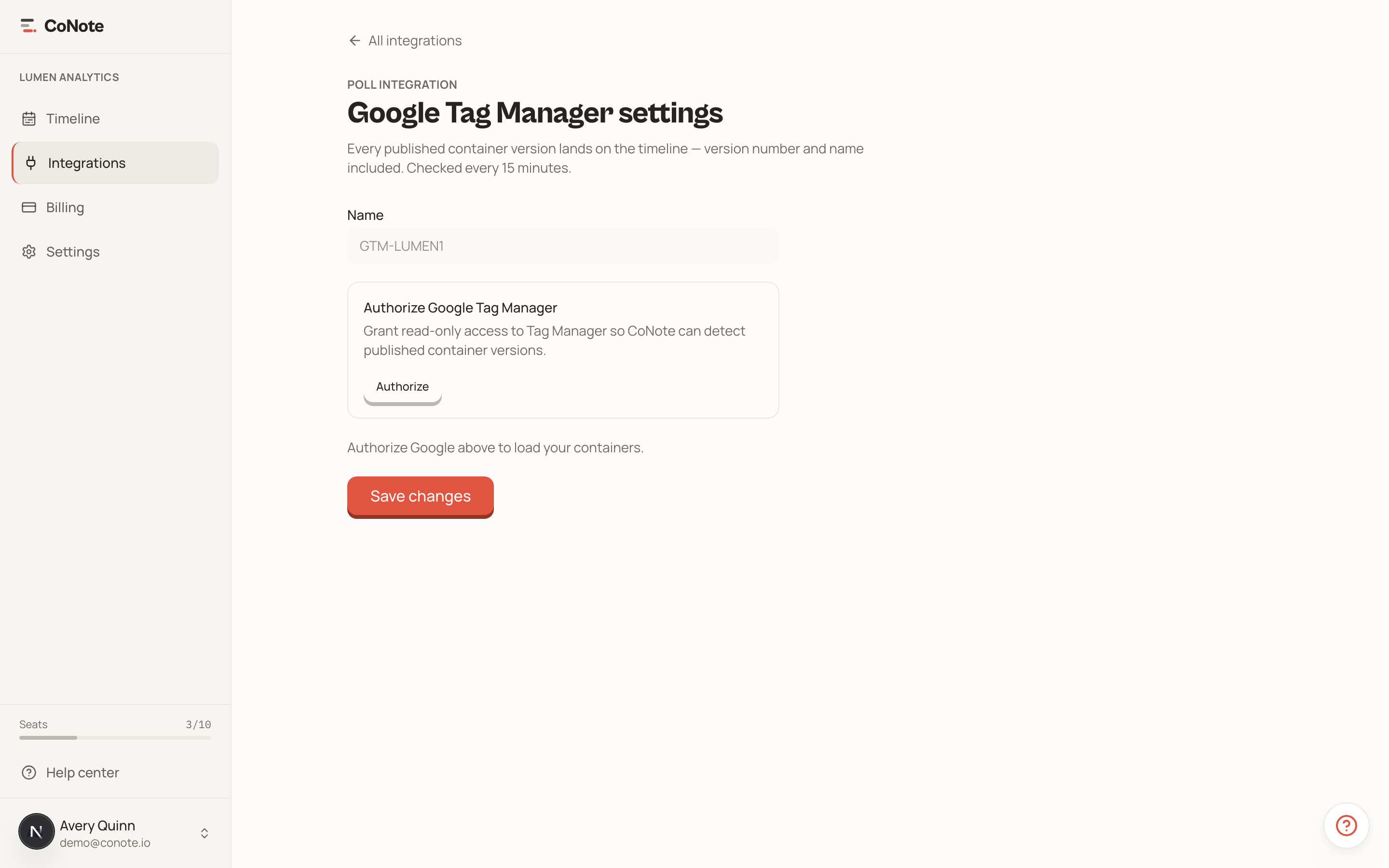
Add the integration
In Integrations, choose Google Tag Manager.
Authorize with Google
Click authorize and sign in with the Google account that has access to your GTM container. CoNote stores only an encrypted refresh token — never your password.
Select your container
Choose the container to watch. New version publishes will start appearing on the timeline.
Because it polls, there's nothing to install in GTM itself — no extra tag, no template. The connection is read-only.