Notifications & digests
Choose how often you get a logbook digest, and let owners and admins hear when an integration stops reporting.
CoNote keeps you in the loop by email, on your terms. Notification preferences are per-person, per-team — set under Settings → Notifications.
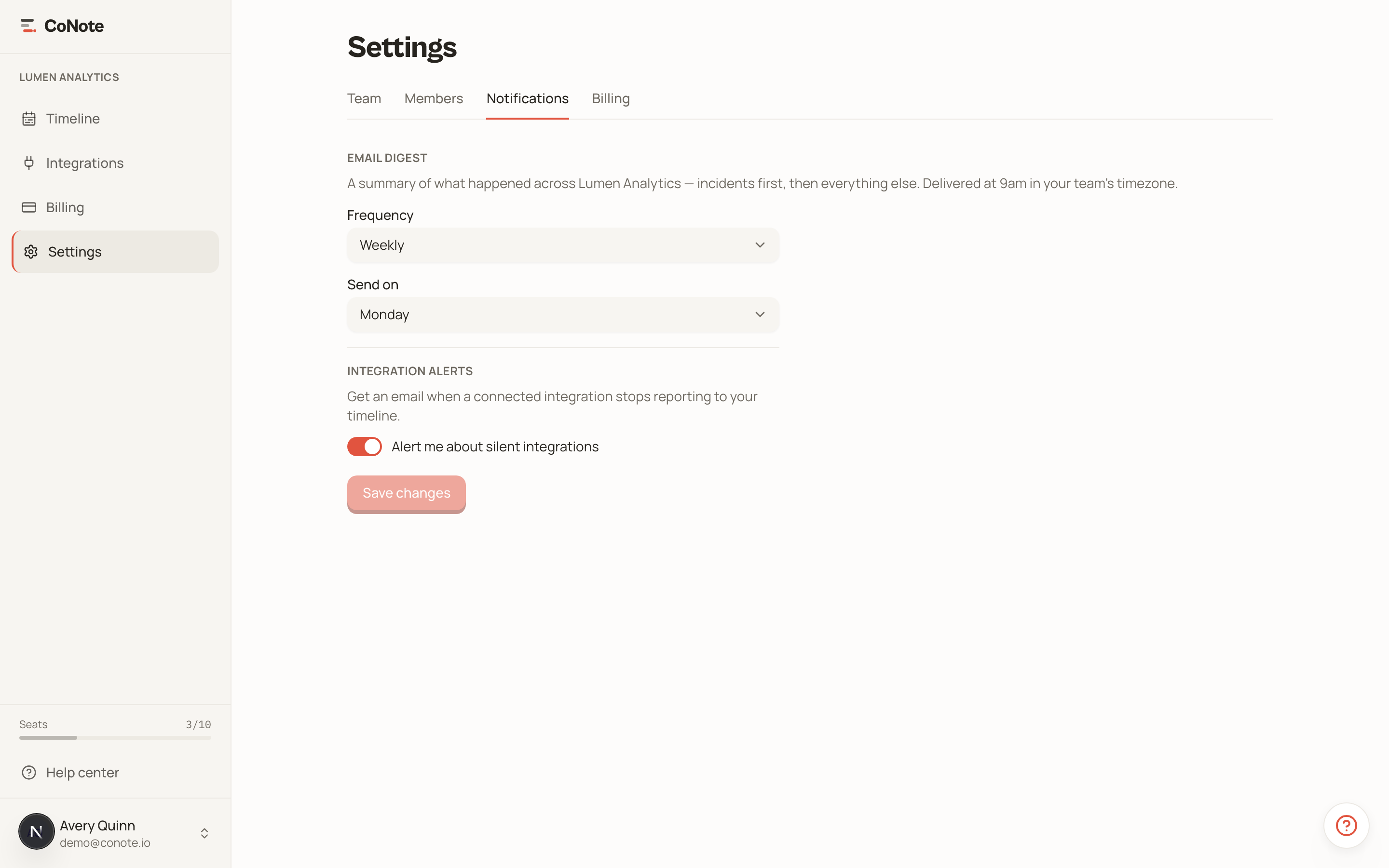
The logbook digest
A digest is a periodic email summarizing what landed on your timeline, leading with incidents and the deploys and config changes near them. Choose how often you get one:
- Weekly — a roundup on the weekday you pick (the default).
- Daily — every day.
- Off — no digest.
Digests are sent at 9am in your team's timezone.
Choosing categories
By default a digest covers every category. If you only care about certain kinds of events, pick them under Categories and the digest narrows to just those — handy when you want incidents and deploys but not every content update.
When you filter to incidents, the deployments and configuration changes around each incident are still included as context, even if you didn't pick those categories — that "what changed right before this broke?" pairing is the point of the digest.
Integration health alerts
Owners and admins can opt in to integration health alerts — an email when an integration that should be reporting goes quiet, so a silently broken connection doesn't leave a gap in your timeline. The alert clears automatically when the integration recovers.
Unsubscribing
Every digest and alert email has a one-click unsubscribe link that works without signing in. You can re-enable notifications any time from Settings.
If your timeline ever looks emptier than expected, integration health alerts are the early warning — turn them on if you rely on automatic events.